Instagram recipes come in two flavors: a Reel where the ingredients flash by on screen for half a second, or a static post where everything's crammed into a caption below three hashtags and a location tag. Either way, copying it out by hand is the annoying part.
Rasora's AI Import handles both.
For Reels
The AI reads the video the way you would — the voiceover, any on-screen text overlays, and the caption together — and pulls out a full ingredient list and step-by-step instructions, even when no single part of the video has the complete recipe on its own.
For static posts
When the recipe lives entirely in the caption, Rasora reads that text directly and structures it into ingredients and numbered steps, instead of leaving you with one long paragraph to decode while you're standing at the stove.
How to do it
- Tap the share icon on the Reel or post and copy the link (or share it straight to Rasora, if you have the app installed).
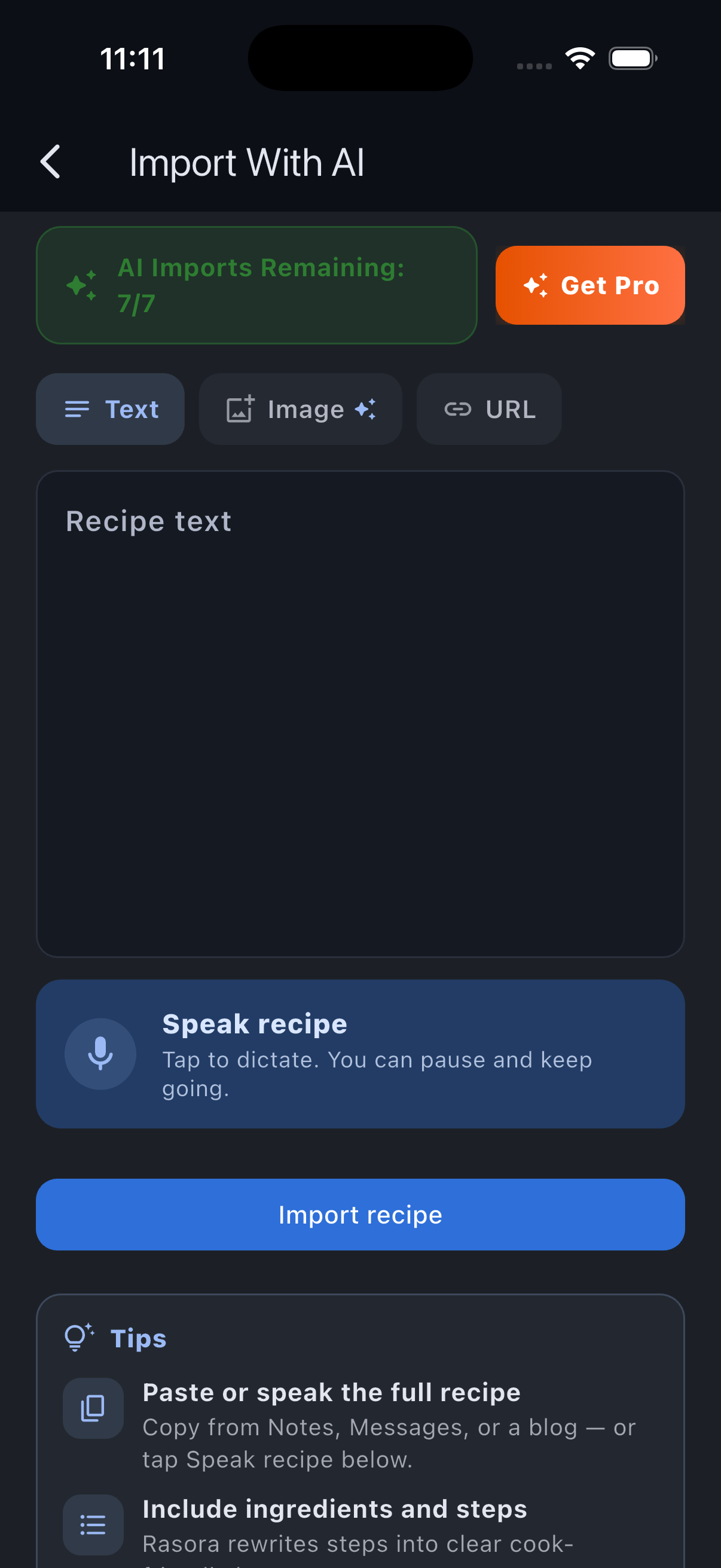
- Open Rasora and start a new import.
- Paste the link and let it process.
- Review the draft — check quantities and steps, and fill in anything the AI flagged instead of guessing at.
- Save it to your cookbook, tag it into a collection, and it's ready to cook from.
The same flow works for TikTok, YouTube, PDFs, and recipes you type or photograph yourself — so no matter where you save recipes from, they all end up organized in one place instead of scattered across screenshots and saved posts you'll never open again.